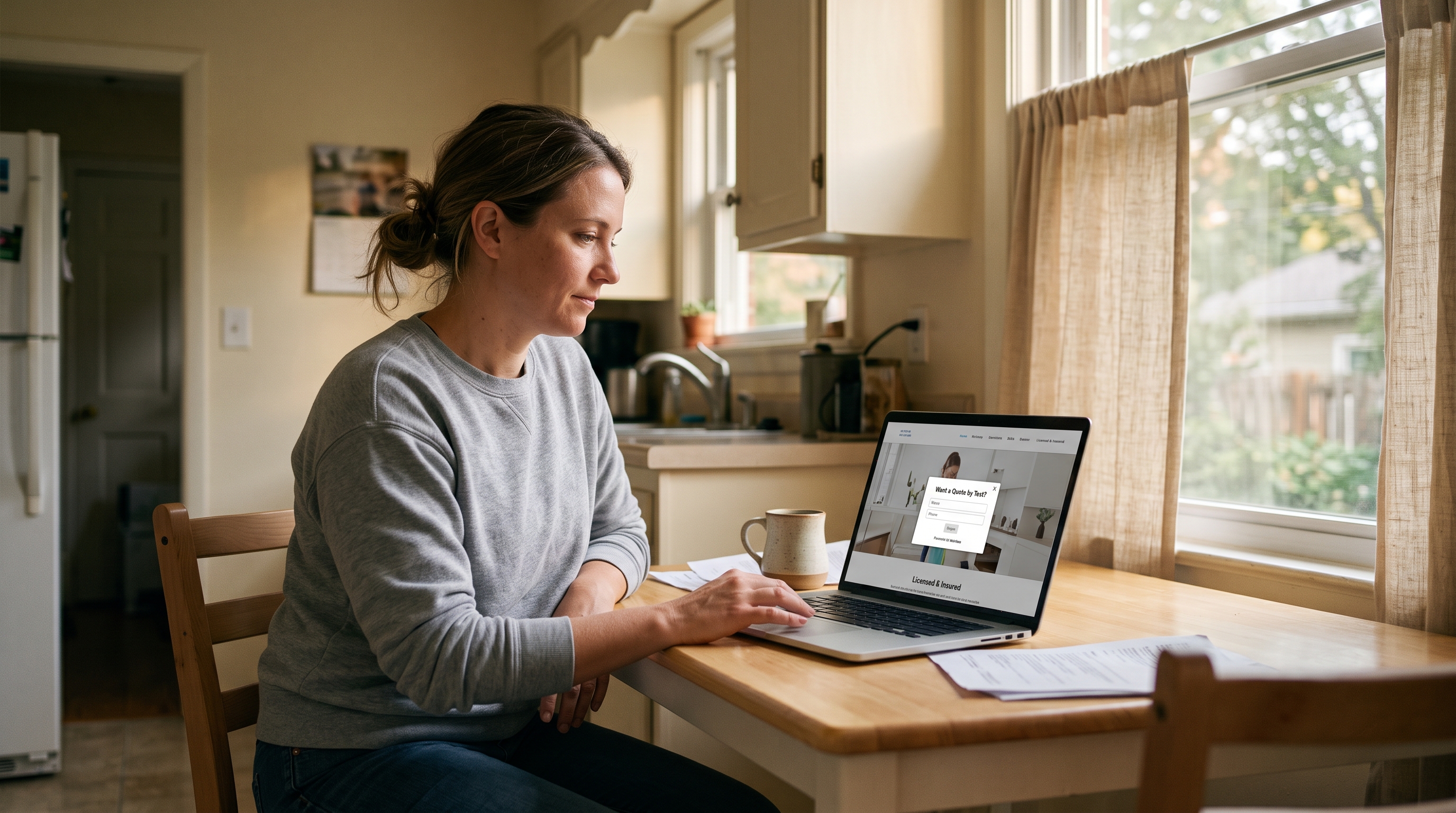
You add trust badges to a cleaning website by putting the proof that is actually true on the homepage and the popup, then asking for a phone number or an email. Trust badges on a cleaning website get a phone number or an email when the licensed and insured line is real, not invented.
They're still comparing you to the other two tabs.
The photos look fine. The reviews look fine. They have never let your team in the house, and the last person who said they were insured was not. They want to know you will not vanish if a vase breaks. A gold sticker does not do that if the sticker is a lie. This post is the proof version: what to show, how to show licensed and insured, and where to put it so they leave a number. It is not a list of popup headlines, and it is not the quote-form playbook.
The short version
Show only what is true. Put licensed and insured in the header and on the popup. Ask for a phone number or an email.
A fake badge is worse than none.
What trust badges should a cleaning website show?
A cleaning website should show the proof a nervous homeowner already asks about: licensed, insured, bonded, and background-checked, but only the ones that are true for your company. Skip the rest. The job of a badge is to get them to leave a name, not to decorate the footer.
They're not hunting for a seal.
They want a person they can let in on a Tuesday. Licensed and insured is the vase question. Bonded is the missing-jewelry question, and only if you actually have a bond. Background-checked is the stranger question, and only if you run the check. Those are the four things most owners already say out loud. Eco-friendly, we bring the supplies, cancel anytime: that can live on the About page. Do not stack twelve claims over the fold. People stop reading when every line is a trophy.
If it is not true this month, it does not go on the site.
How do I show licensed and insured on a cleaning site?
Show licensed and insured as a small line in the header, again near the phone number, and once more on the popup. Keep the real proof on an About or Insurance page. Do not download a fake government seal. If your city does not require a license, do not say licensed.
This is the line people look for.
They skim the top of the page. If Licensed & Insured is there in plain type, they keep reading. If it is a giant badge that looks like clip art, they assume you made it in Canva. Put the words in the nav. Put them in the footer. On a separate page, say who insures you and what kind of policy it is, or the license number if you have one. You don't need the policy number in the header. You need it ready when someone asks.
Bonded is not the same as insured. Insured is the vase and the slip. Bonded is the missing jewelry, and only if you paid for a bond. Background-checked is the same rule. If you hired your sister and you have not run a check, leave that line off.
A fake licensed badge is worse than a plain site. They will ask. You will stall. They will tell the next person.
Should trust badges go on the popup or just the homepage?
They should go on both. The homepage proves you are a real company while they are still comparing tabs. The popup is the last thing they see before they leave a name. Use the same true line in both places. Do not invent extra fields on the card.
The homepage does the long proof.
Reviews, the town name, a real photo of the team, a small licensed and insured line. That is enough for them to decide you are not a ghost. Then they still leave. If you want why that happens, we already wrote why your maid service website needs a popup. The popup is not a second brochure. It is the ask. A short licensed and insured line next to "Want a quote by text?" is proof at the moment they hesitate.
Keep the card small. Email or phone. Beds, baths, pets, and square footage belong on the call. If you want the quote-request version of that, we already wrote how to get more quote requests from your cleaning website. This post stays on the proof.
Same words on the site and on the card. Do not say licensed on the popup if the homepage is silent.
How do I add trust badges without looking fake?
You add trust badges without looking fake by only showing what you can back up, using plain words instead of gold stickers, and stopping after the few claims that actually win the job. If someone asks for the policy or the license number, you should be able to send it the same day.
Clip-art seals read as fake.
A row of shiny shields. A "certified" ribbon you invented. A five-star graphic you drew yourself. People have seen those on every contractor site that later ghosted them. Type the words and link the About page. A real team photo next to that line looks like a company. A wall of badges looks like someone hiding.
Don't copy a competitor's license language. If you do not keep a guarantee, do not put one up. BBB and Angi only go on the site if you are actually listed. Could you say this on the phone to a picky homeowner and then email the proof?
If you would hesitate on that call, take the badge down.
How do I add trust badges with MaidPop?
During setup, pick the trust badges that are true for you, paste one line of code, and turn the popup on. The card already has the cleaning-site wording. It shows about 10 seconds after the page loads. You do not design a seal. Exit-intent, where it fires as they close the tab, is coming soon.
The one I'd point you to is MaidPop, a free lead-capture popup for cleaning company websites. Onboarding asks for your company name, your city, and the trust badges that are actually true. Licensed & Insured is there if you are. Bonded is there if you have a bond. Background-Checked Cleaners is there if you run checks. You pick a few, not every box that is technically true. The popup shows a few at a time and rotates through what you picked.
If you need the install steps, we already wrote how to add a popup to your cleaning business website. This is not that post. This is the proof you put on the card once it is live.
MaidPop is a free tool from the team behind the Filthy Rich Cleaners podcast. It's free forever on the default plan, not a trial that turns into a bill. The free plan shows a small Powered by MaidPop line.
Want a Quote by Text?
Drop your number below and Sparkle & Shine can text you back about your cleaning needs.

It will not get you a license. It will not buy the insurance. It will put the true line next to the one-field ask.
A captured lead can pass into the scheduling software you already use. If you want popup examples you can steal, we already wrote the copy post. If you want a free popup that already knows the cleaning-site wording, that is the product.
Common questions about trust badges on cleaning websites
What trust badges should a cleaning website show?
Show the ones that are true. Licensed and insured if you really are. Bonded if you have a bond. Background-checked if you actually run checks. Skip the rest. A fake badge is worse than a plain site.
How do I show licensed and insured on a cleaning site?
Put a small Licensed & Insured line in the header, repeat it near the ask, and keep the real proof (the policy or the license) on an About or Insurance page. Do not use a fake seal. If you are not licensed in your city, do not say licensed.
Should trust badges go on the popup or just the homepage?
Both. The homepage proves you are a real company. The popup is the last thing they see before they leave a name. Put the same true line in both places. Do not invent extra fields on the card.
How do I add trust badges without looking fake?
Only show what you can back up. Use plain words, not gold stickers. Do not stack a dozen claims. If someone asks for the policy or the license number, you should be able to send it.
Is MaidPop free if I want trust badges on my cleaning popup?
Yes. MaidPop is free, and it is not a trial that turns into a bill. You pick the badges that are true for you during setup, paste one line of code, and you can be live in under 60 seconds. You only pay if you later want to remove the small branding line.
Only show what you can prove
A badge is not a license. It is a line you can stand behind. Put it in the header. Put it on the popup. Ask for the name.
If you want that proof already sitting on a maid-service card, add trust badges to your cleaning website popup and turn it on today.